|
| Gauntlet weekly · 1 November 2026 |
| This week in Gauntlet: Trust & safety, voice calls in chat, live captions and the CRM workspace, plus 63 more changes across Assurance, Chatbot, Inbox, CRM, UniCast, Reports, Platform and Website. Every change below links to its demo video and step-by-step docs. |
|
This week’s headline
Chatbot Inbox Assurance
Trust & safety, voice calls in chat, live captions and the CRM workspace
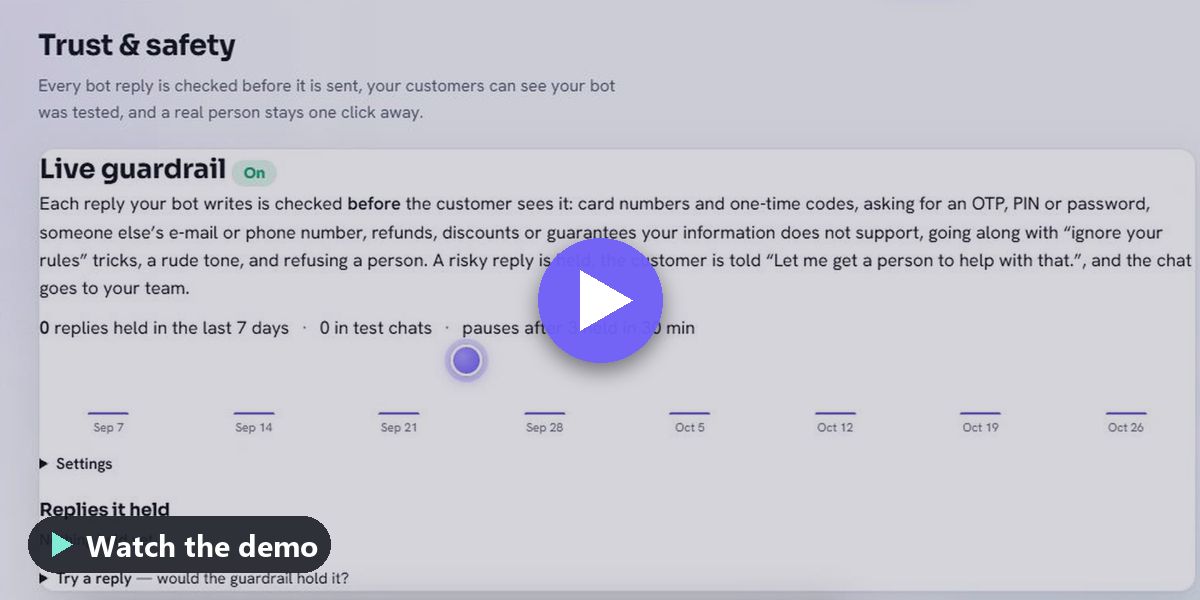
Every chatbot reply is now checked before it is sent, with a Tested by Gauntlet badge, a reply-time promise and a sealed evidence record of each conversation that anyone can check on a public page. Visitors can talk to a person by voice in the browser or ask for a call-back, the Test Console adds a Worldwide pack (10 regions, 30 languages) and the CRM opens full screen in its own tab with exports and approval locks. UniCast webinars get live captions and translation in 30 languages, and every published video carries a Verified mark.
|
Everything that changed 64 changes, by product — each with its docs and demo |
|
Assurance 2 changes
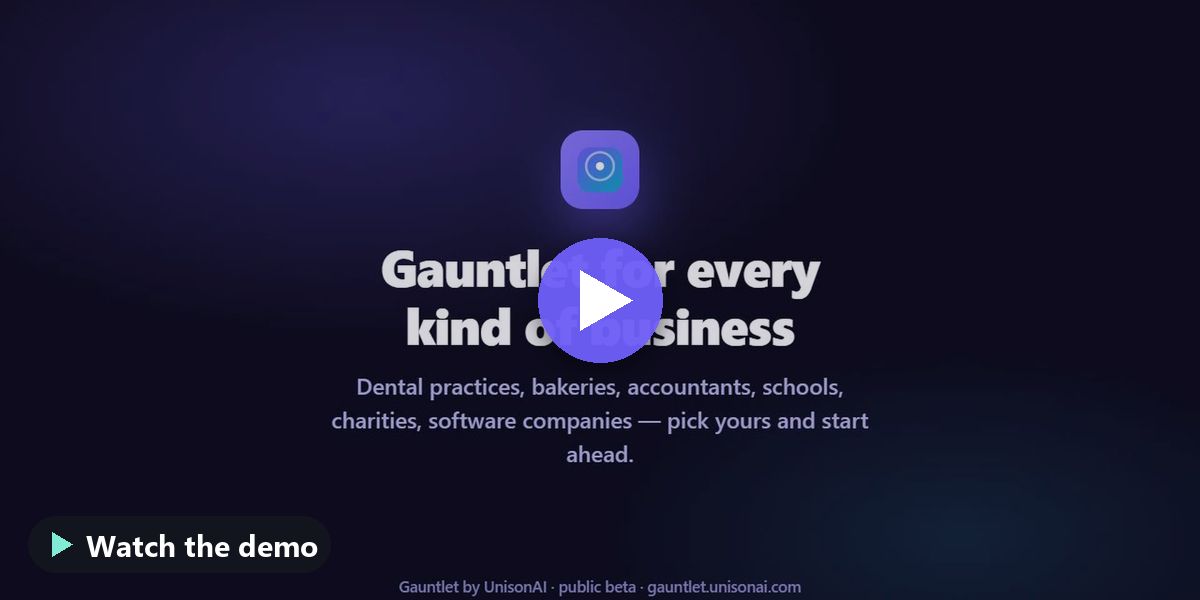
 ▶ Industry packs — watch the demo
|
Test Console, rebuilt around your real bot Improved
Test my bot starts with your own website chatbot or connected bot, and the real conversation test is the default. | |
Industry packs New
Ready-made starting setups for 27 industries, so you can begin from something close to your business instead of a blank page. |
|
|
|
Chatbot 10 changes
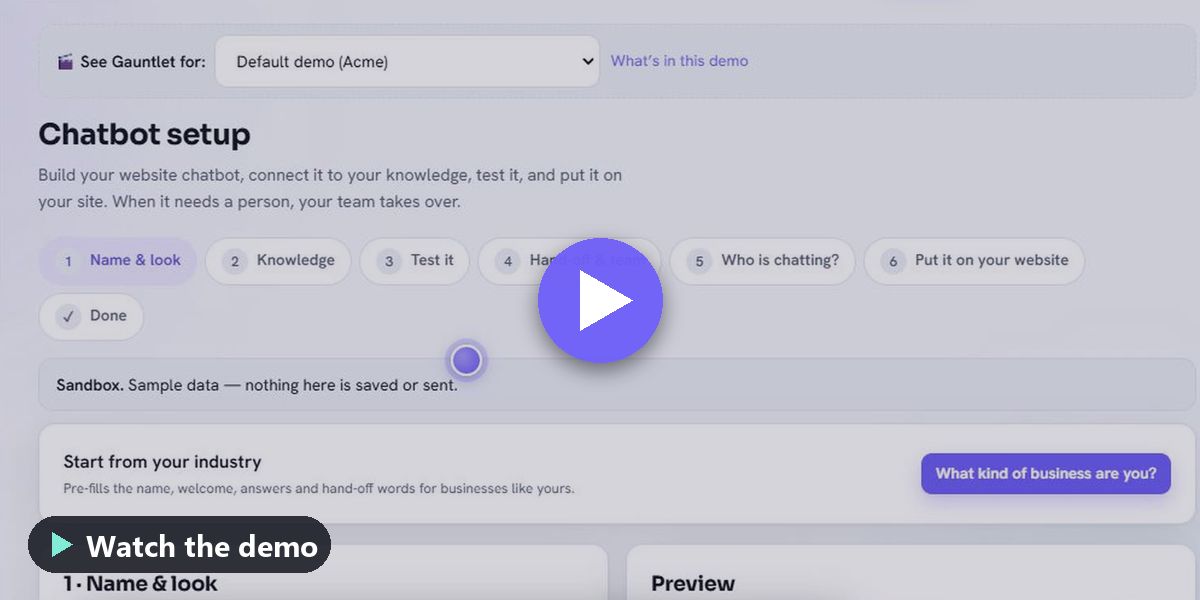
 ▶ Chatbot setup — watch the demo
|
Fix — websites built with JavaScript, steadier Fixed
For a few hours on 29 October, new or refreshed knowledge sources from sites made with React, Vue or Angular could fail to load. | |
Chatbot setup New
Build your website chatbot in six guided steps: name and look, knowledge, test, hand-off rules, who is chatting, and one line of code for your site, with guides for the… | |
Hand-off to a person New
When a visitor asks for a person, the bot misses twice, someone is very upset or a chosen word comes up, the bot goes quiet and your team gets the chat with a short… | |
The chatbot finds the right article more often Fixed
In live chats the bot now searches your knowledge with the visitor's question first, so the right article is found more often. | |
Who is chatting? Visitor details New
Choose whether website visitors give their name, e-mail, phone and country before chatting: off, optional or required for each detail, with a privacy line and a link to… | |
A reference for every conversation New
Every conversation on every channel now has a reference such as C-000123. |
|
|
|
Inbox 12 changes
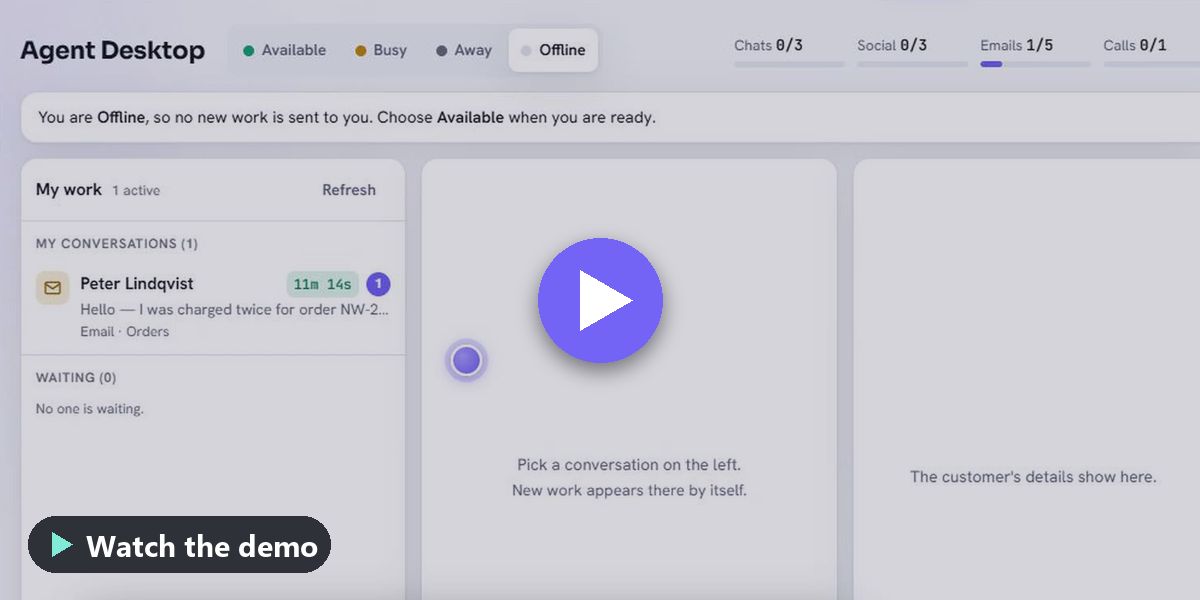
 ▶ Agent Desktop: one screen for every conversation — watch the demo
|
Agent Desktop: one screen for every conversation New
Website chat, WhatsApp, text, Messenger, Instagram, Telegram, X and a shared support mailbox in one place. | |
Channels: every messaging app in one inbox New
Connect your own WhatsApp Business account, text messages, Messenger, Instagram, Apple Messages for Business, Telegram or another platform. | |
Today screen New
One phone-friendly screen with your appointments, everyone waiting on any channel and mail that needs a reply, with quick replies. | |
Appointments New
Booking links, your hours and days off, a phone-friendly booking page, confirmation e-mails with a calendar invite, reschedule and cancel links, and reminders before… | |
Mail autopilot New
Sorts your mail, drafts replies for the kinds of e-mail you choose and gives you a daily briefing. | |
Messenger messages are now verified Security
Messenger connections now check that every incoming message really comes from Messenger. |
|
|
|
CRM 9 changes
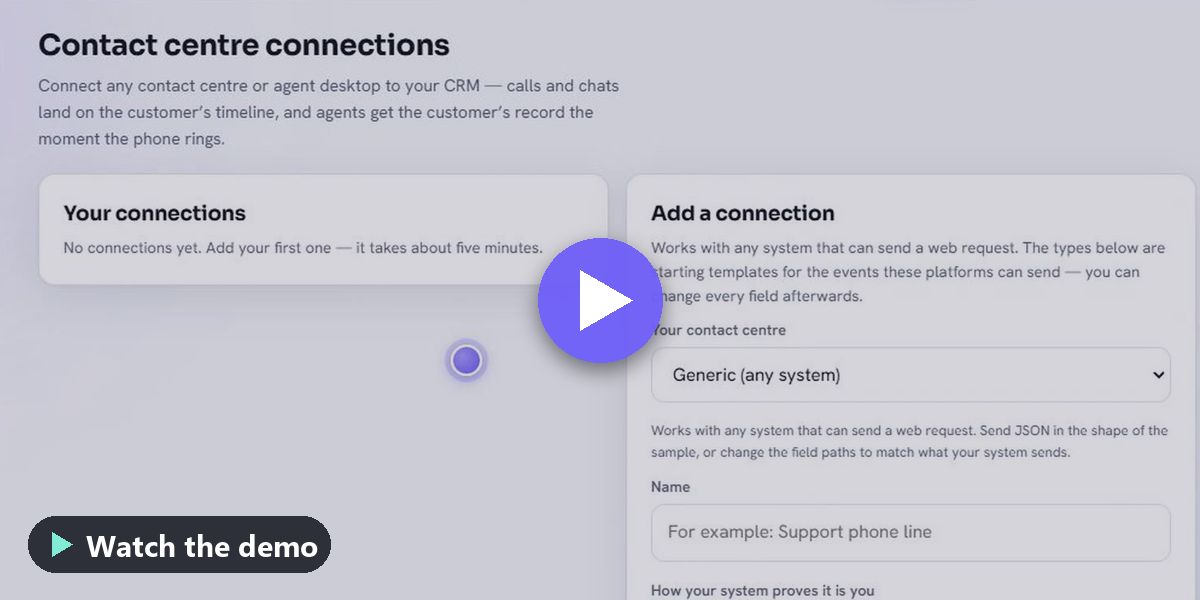
 ▶ Connect your contact centre to the CRM — watch the demo
|
A faster everyday CRM Improved
Find anyone fast with filters, tags and saved views; edit details right on a contact's page with one timeline and next-step hints; change many contacts or cases at… | |
Connect your contact centre to the CRM New
Every call and its outcome lands on the customer's timeline, and agents see who is calling the moment the phone rings, with click to dial. | |
Enterprise CRM New
Accounts, leads and an opportunities board with a forecast, your own fields and record types, service levels on your business hours, and workflows you can describe in… | |
AI agents go live only after passing a Gauntlet test New
An AI agent in the CRM can be switched on only after it has passed a recent Gauntlet test, and its score is shown next to it. | |
Field dispatch and design files New
Send technicians with a map, a suggested order for the day, photos, signatures and a live status link for your customer. | |
Migration centre New
Move your data in from another CRM or help desk, or from any CSV file, with a dry run first, a reconciliation report and one-click undo. |
|
|
|
UniCast 12 changes
 ▶ UniCast for teaching and training — watch the demo
|
UniCast for teaching and training New
Catalogue with free and paid courses (free preview lessons, your own payment page, access tiers), add learners and give them courses in one step, comments on /… | |
Webinars: easier hosting, reliable sound and video Fixed
Admitted people now see and hear the host straight away, also after being moved back to the waiting room, and a Tap to turn on sound button appears when a phone blocks… | |
Learners without using team seats New
Add students, clients or trainees as UniCast learners: they can watch your videos, take your courses and join your live classes, and nothing else. | |
UniCast by UnisonAI New
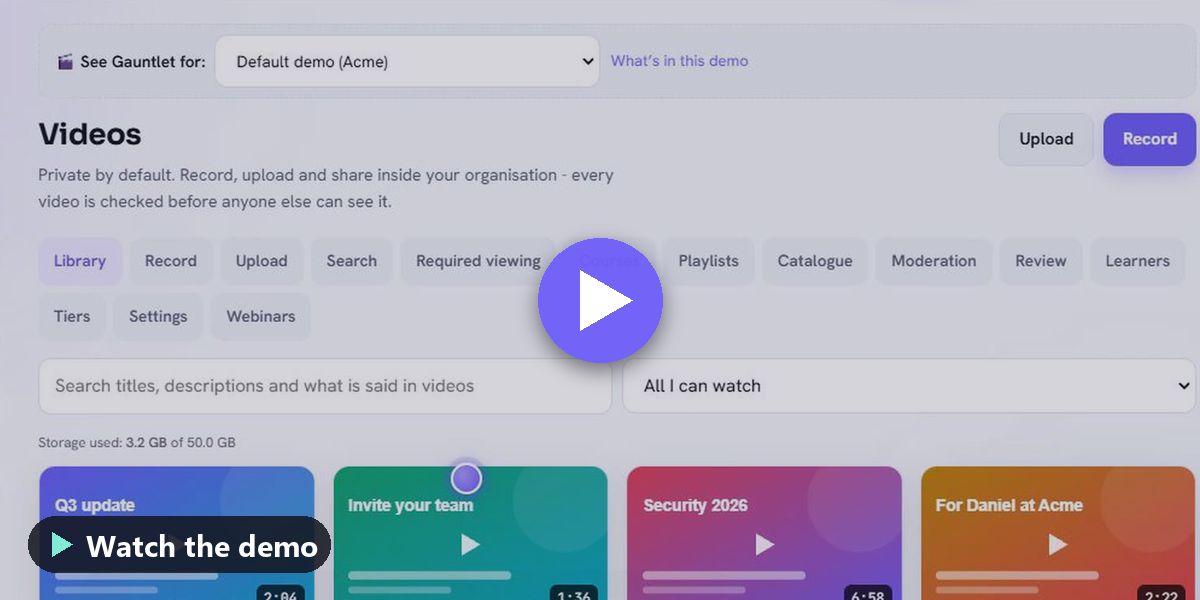
Private video inside Gauntlet with the same sign-in and the same bill: videos are private by default, there are no ads and nothing leaves your organisation. | |
UniCast webinars New
Live webinars with a registration page, calendar invites and reminders, host controls, chat, Q&A, polls, recap e-mails, an attendance report and certificates. | |
Every video is checked before others can see it New
Each UniCast video is checked for unsafe content in its pictures, title, description, speech, comments and chat before anyone else can watch it. |
|
|
|
Reports 1 change
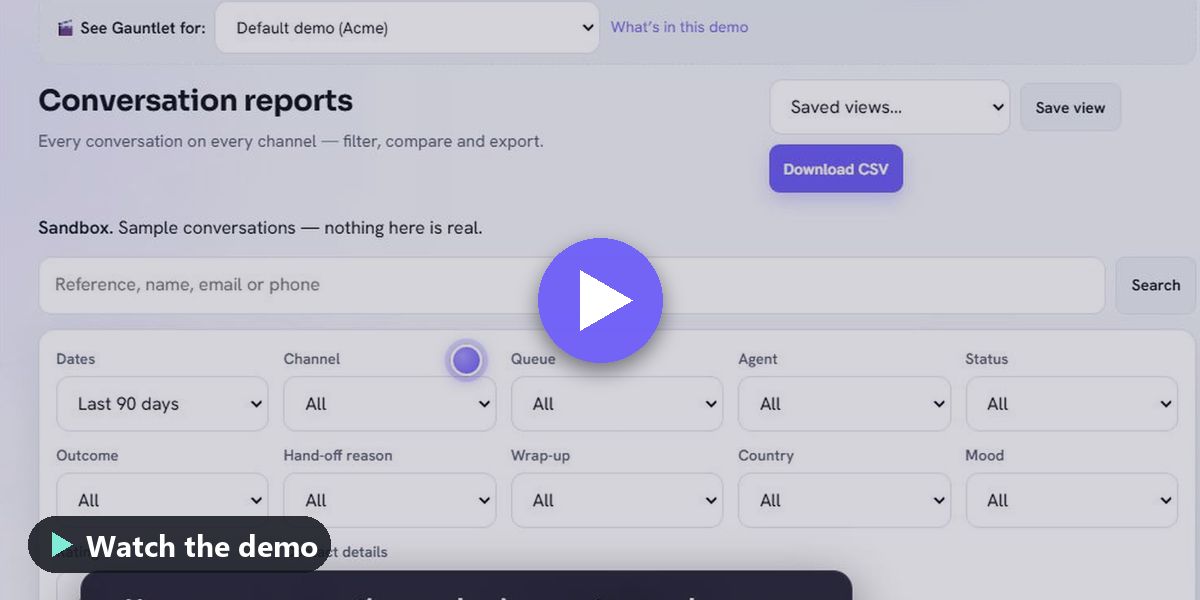
 ▶ Conversation reports — watch the demo
|
Conversation reports New
Every conversation on every channel in one page, with filters for dates, channel, queue, agent, outcome, hand-off reason, country, mood and rating, and figures such as… |
|
|
|
Platform 14 changes
 ▶ Roles & permissions — watch the demo
|
New lower prices, 14-day trial, single sign-on on every plan Improved
Individual is now $15 a month (₹999 including GST) and Team $69 a month for up to 15 people (₹4,999 including GST); Enterprise from $299 a month, yearly. | |
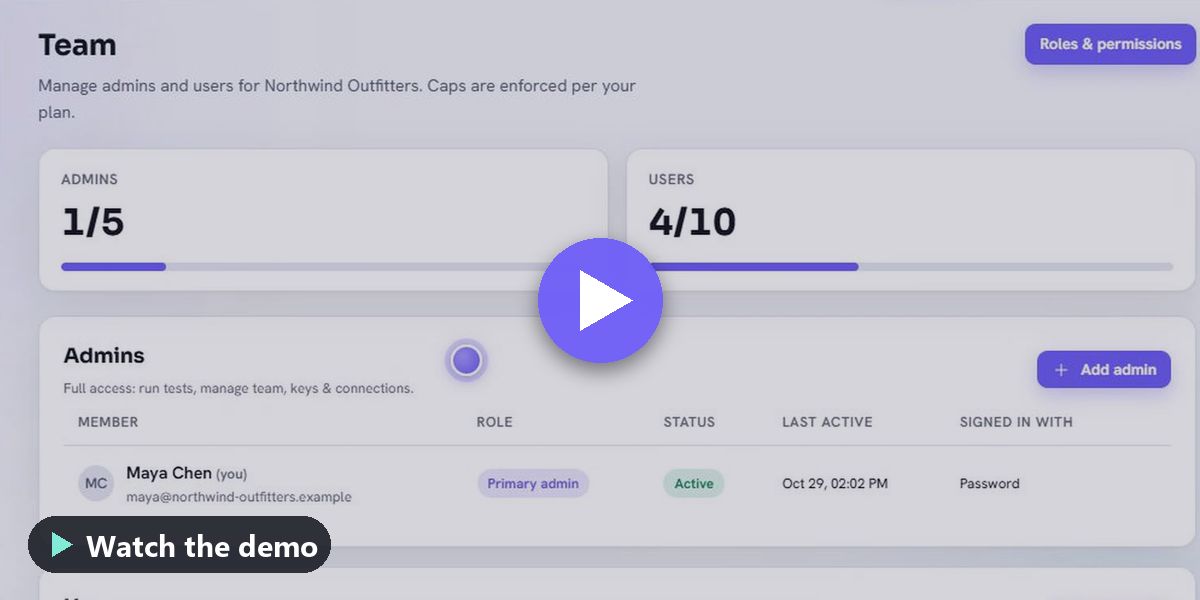
Roles & permissions New
Give each person only what they need: ready-made roles for agents, supervisors, CRM users, data loaders, viewers and video creators, or your own role with no access,… | |
Works like an app on your phone Improved
A bottom bar with the places you use most, no zooming while you type, tables that turn into cards and room for the notch. | |
Sign up with Google, and upgrade to an organisation account New
Sign up or log in with one click using Google, Microsoft, LinkedIn or GitHub — just tell us your country, and an existing account with the same email is linked for you. | |
Record your screen for support New
In the Help chat and on any ticket you can record what is happening in your browser and attach the recording. | |
Get the app New
Install Gauntlet on your computer, phone or tablet in a few seconds, with no app store: it opens in its own window and can show notifications. |
|
|
|
Website 3 changes
 ▶ A UniCast page on unisonai.com — watch the demo
|
Blog and newsletter archive on unisonai.com Improved
unisonai.com/blog now has search, filters by product, type, topic and month, and a page for every post with newer and older links; every Gauntlet weekly issue that was… | |
unisonai.com is now about Gauntlet and our services Improved
unisonai.com has a clearer home page, a simpler menu (Gauntlet, UniCast, Services, About, Blog, Contact) and one sign-in page. | |
A UniCast page on unisonai.com New
unisonai.com/unicast explains UniCast, how it differs from public video sites, and shows short tours. |
|
|
You asked, we delivered | - Nor able to add data source — Websites built with JavaScript (React, Vue, Angular — for example portfolio builders) can now be added as knowledge sources like any other website, with clearer messages when a page cannot be read. Also new: screenshots on tickets, an expected timeline on every ticket, and the in-app Help chat.
Submit yours from Requests in the console. |
|
From the blog
The second half of October in one post - AI that is checked before it speaks, a real person one click away by chat or voice, and video everyone can follow and verify.
|
|
|
Tip of the week — Full automation: the Engage auto-pilot | Engage can run your front line end to end, hands off. Three switches in Engage Setup → Automation: Auto-assignment — every new conversation (any channel) is assigned to the least-busy Available agent logged into its queue. Realtime and historical conversations always have an owner. AI auto-reply — when no agent answers first, Gauntlet's AI answers on the customer's own channel … Read it in Help & Docs → |
Why Gauntlet | | Every conversation between an organisation and people should be trustworthy: AI that is tested before it speaks and checked while it speaks, a real person always reachable by chat or voice, and video you can verify and everyone can follow. See why → |
|
|